The native Mac app that turns Gmail Takeout, Thunderbird, and Apple Mail exports into compliance-ready PDFs — with watermarks, headers, and attachment extraction. Every conversion runs on your Mac.
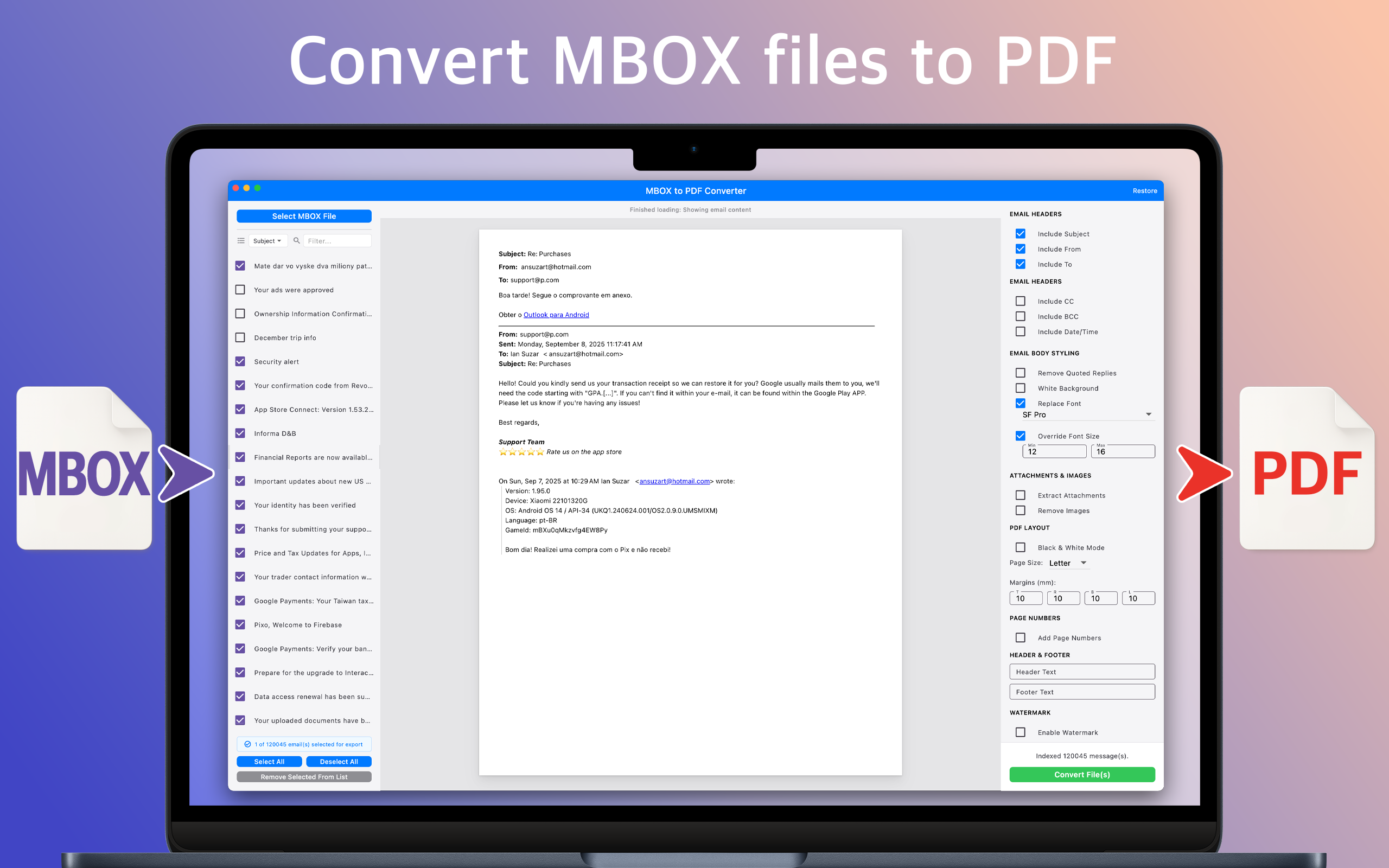
Purpose-built for legal, compliance, and archival work — with the formatting controls professional output actually requires.
Progressive loading processes multi-gigabyte Gmail Takeout archives without maxing out RAM.
Custom text, "Confidential" stamps, and legal disclaimers applied uniformly across every page.
Page numbers, document titles, and dates — essential for court filings and audit trails.
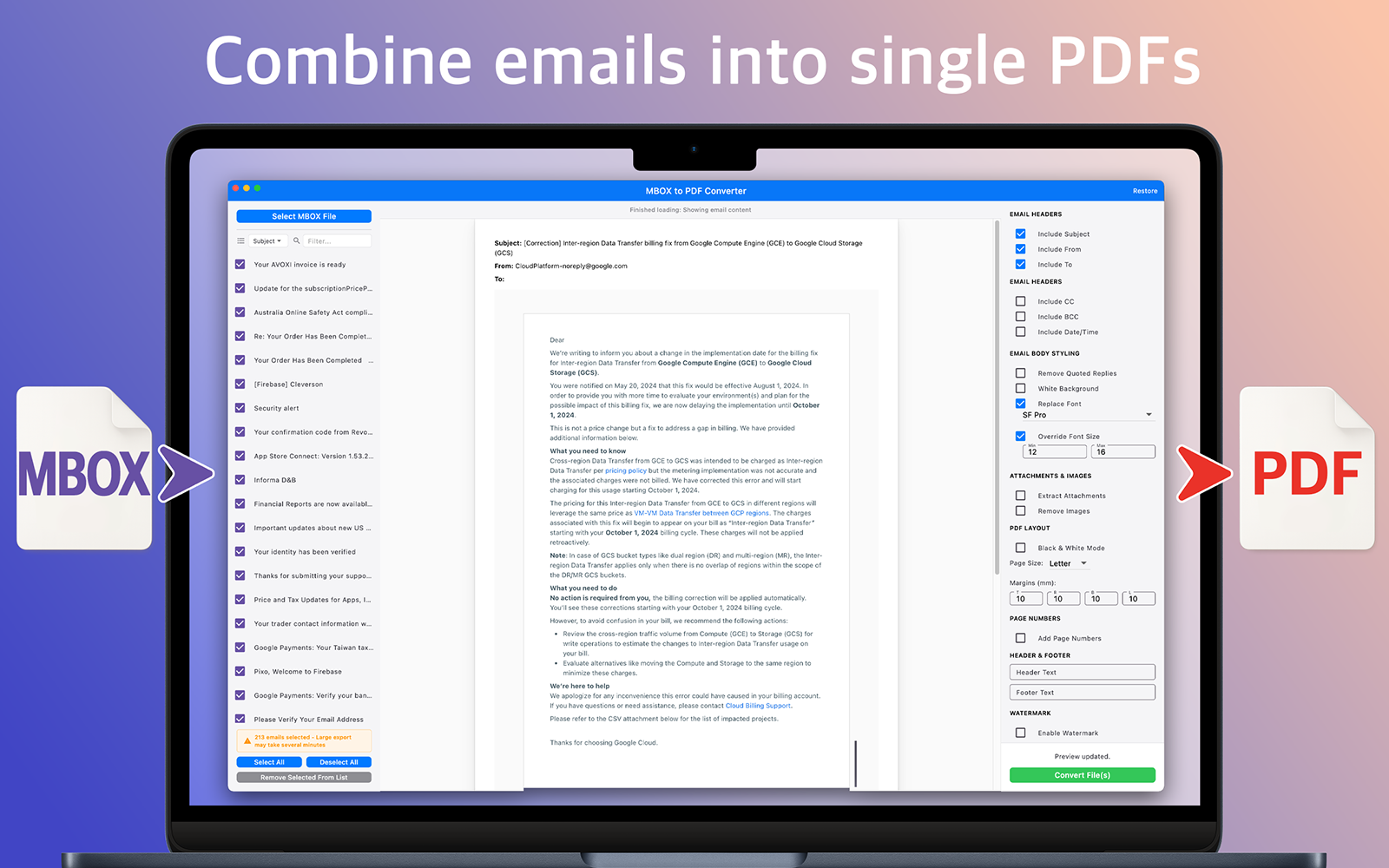
Merge an entire mailbox into one paginated PDF, or export one file per email.
Organizes attachments into dedicated folders alongside the generated PDFs.
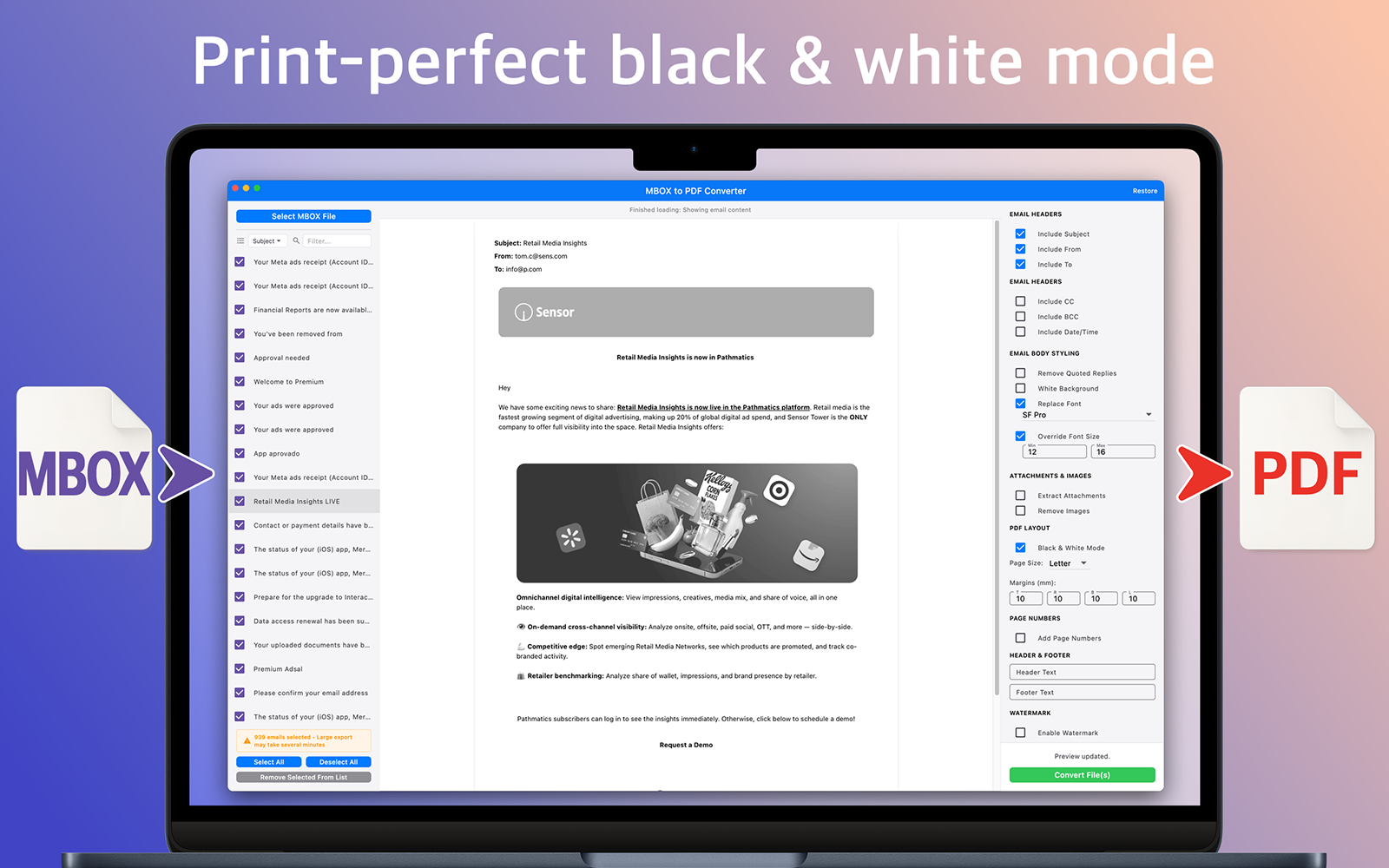
Strip quoted replies, force white backgrounds, or render everything black & white.
Letter, A4, A5, or custom dimensions with precise margin control for print or binding.
See the final output before exporting. Tune margins, fonts, and stamps until it's exactly right.
Every conversion is local. No uploads, no accounts, no telemetry — ever. Your email stays yours.
Three panels, one job. Pick what to export on the left, preview live in the center, tune formatting on the right.
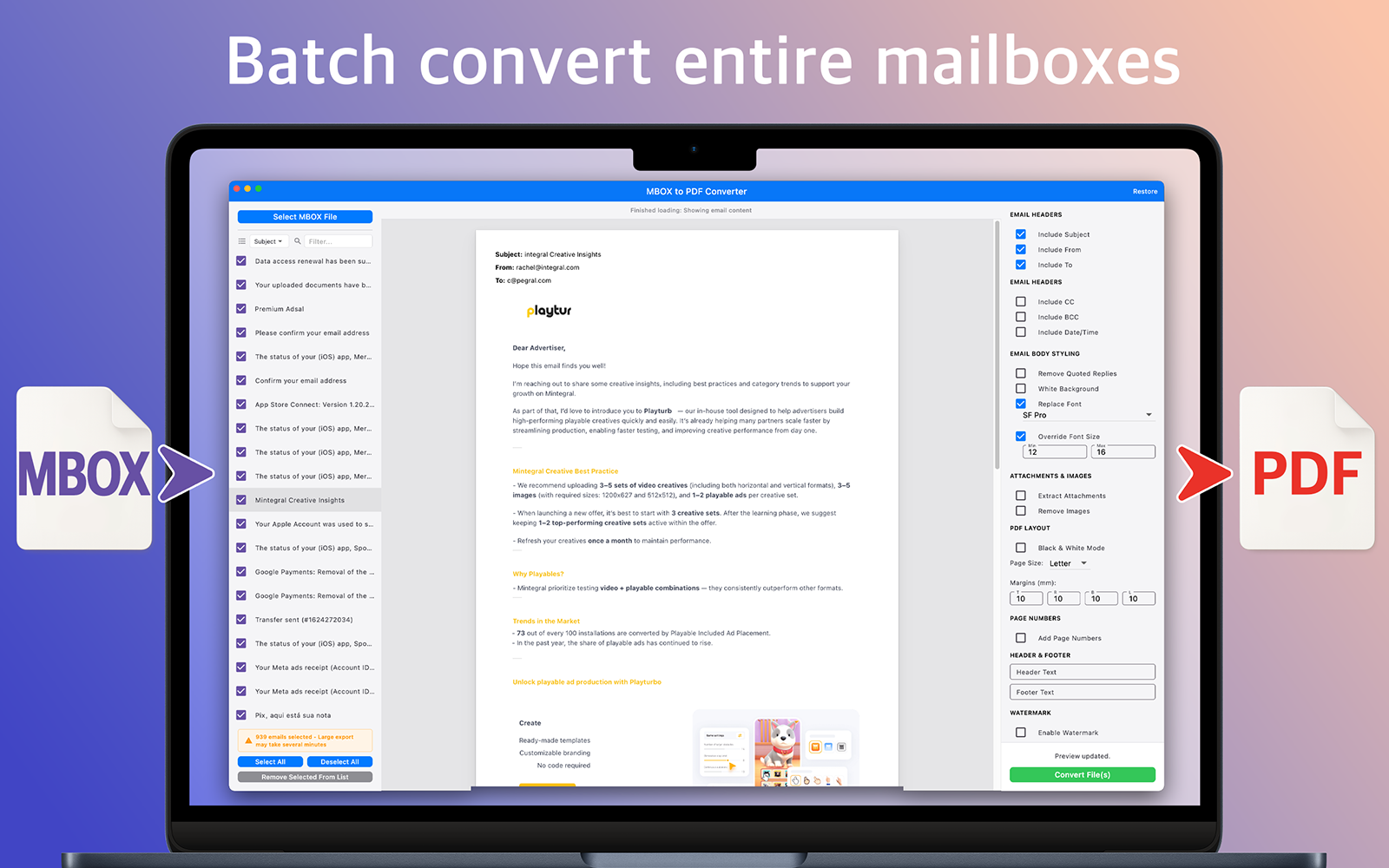
No command line. No scripting. No printing emails one at a time like it's 2005.
Drag one file or a folder of them. Gmail Takeout, Thunderbird, Apple Mail, ProtonMail, Fastmail, Dovecot, Postfix — if it exports standard MBOX, it works.
One continuous PDF with sequential page numbers for legal submissions, or one PDF per email for a browsable personal archive. Both can run in the same batch.
Pick page size, margins, headers, footers, watermarks, and stamps. Toggle content cleanup. Preview every change in real time before you commit to a batch run.
Produces compliance-ready PDFs in minutes, with attachments extracted into a dedicated folder alongside them if you want them separated.
From legal discovery to personal preservation, MBOX to PDF handles the work that used to take a week.
Produce court-ready email packages with consistent pagination, Bates-style numbering, confidential stamps, and metadata headers — in an afternoon instead of a week.
Generate immutable PDF records from corporate mailbox exports. Searchable, auditable, and uniformly formatted for long-term retention and audit review.
Back up years of Gmail Takeout, Thunderbird, or Apple Mail into an archive you can browse in Finder — no mail client required, ever.
If it exports to MBOX, MBOX to PDF will convert it — faithfully.
Full Gmail archives via Google Takeout.
Mailbox › Export Mailbox output.
Profile folder exports and backups.
Privacy-first provider exports.
Corporate mail server archives.
Any client that exports standard MBOX.
MBOX to PDF was built for sensitive workflows — legal discovery, compliance archiving, personal records. That only works if your data stays yours. So it does.
Step-by-step walkthroughs, comparisons against alternatives, and provider-specific workflows.
The complete walkthrough — from Gmail Takeout to court-ready PDF. Covers Thunderbird, Apple Mail, and batch workflows.
Mac-native simplicity and free-to-try pricing vs enterprise migration software. Which one fits your workflow?
Gmail Takeout walkthroughs, legal eDiscovery workflows, large-archive performance tips, provider comparisons.
MBOX is a standard format that stores a collection of email messages in a single file. You get MBOX files from Gmail via Google Takeout, from Thunderbird profiles, from Apple Mail exports, and from many other email clients and mail servers like Dovecot or Postfix.
Yes. The app uses a streaming engine with progressive loading, so it can process multi-gigabyte archives without running out of memory.
Both. You can merge an entire mailbox into a single continuous PDF with sequential page numbers, or generate one PDF per email for a browsable archive.
Yes. Sender, recipient, CC, BCC, subject, and timestamp fields are rendered in the PDF output. You can customize which fields appear and how they are styled.
No. All processing happens locally on your Mac. The app does not require an internet connection and never transmits your email content externally.
Yes. Add custom watermarks, confidential stamps, legal disclaimers, page numbers, headers, and footers that apply uniformly across the entire batch — ideal for legal and compliance workflows.
Letter, A4, A5, or custom dimensions. Additional controls include margins, headers, footers, watermarks, confidential stamps, font selection, remove-quoted-replies, force white backgrounds, and black-and-white mode.
Yes. Attachments can be automatically extracted and organized into dedicated folders alongside your converted PDFs.
Free to download from the Mac App Store with a one-time premium upgrade to unlock unlimited conversions. No subscriptions.
macOS 13.5 or later. Runs natively on Apple Silicon and Intel Macs.
Download from the Mac App Store and convert your first archive in minutes.
Download on theMac App Store